

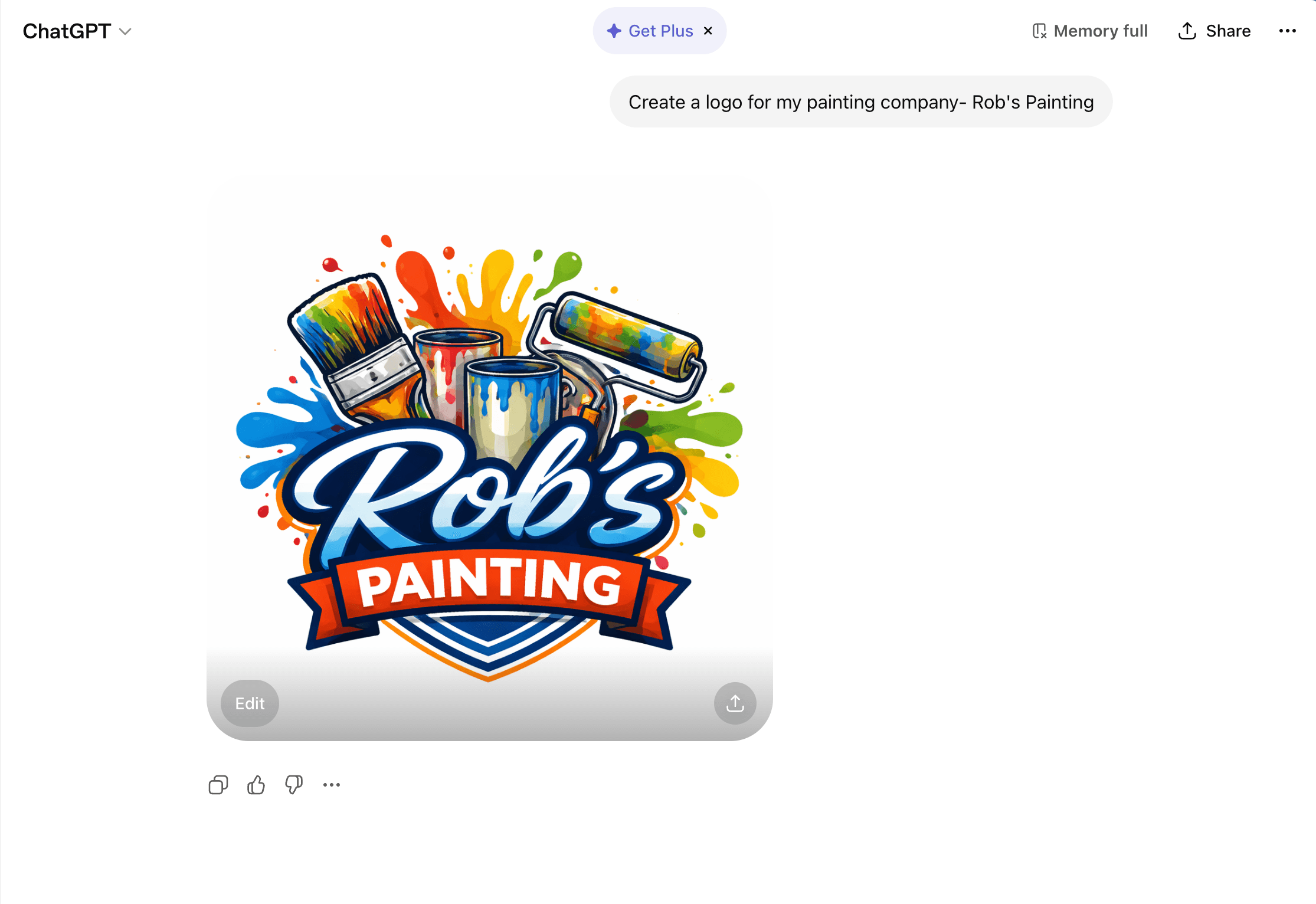
AI logo generators are everywhere right now. Type in a business name, pick a style, and you've got a logo in thirty seconds. It feels like a shortcut — especially when you're launching a brand and trying to keep costs down.
But here's what most people find out the hard way: that AI logo almost never works when it's time to actually print it on shirts, hats, or merchandise. And fixing it after the fact often costs more than having it done right from the start.
The Appeal Is Real — But It's Surface Deep
We get it. Tools like Looka, LogoAI, and others powered by generative AI look impressive at first glance. You get a polished preview, a handful of variations, and what seems like a finished brand identity in minutes.
The problem isn't that AI logos look bad on screen. The problem is what happens when you try to use them in the real world — especially in screen printing and embroidery, where file quality and format matter more than almost anything else.
Problem 1: The Files Aren't Print-Ready
This is the biggest issue we see, and it comes up almost every week at our shop.
AI logo generators typically export flat raster files — a PNG or JPEG at a fixed resolution. That might be fine for a website or a social media profile picture, but it doesn't work for screen printing. Screen printing requires vector artwork — formats like AI, EPS, or SVG — where every line and shape is mathematically defined and can scale to any size without losing quality.
When someone brings us a 500×500px PNG from an AI logo tool, we can't just enlarge it and print it on the back of a hoodie. It'll come out blurry, pixelated, or soft. The file needs to be rebuilt as a vector, which means someone — either us or a designer — is redoing the work from scratch.
That "free" logo just became a paid design project.
Problem 2: The Designs Are Generic
AI generators work by remixing patterns, icons, and type styles from massive datasets. That means your logo is built from the same visual library as thousands of other businesses. The output might look clean, but it's not custom — and it's very likely that another company has something nearly identical.
For a one-time event or a personal project, that might not matter. But if you're building a brand — a business, a team, an organization — your logo is supposed to set you apart. A design that's assembled from recycled elements doesn't do that.
We've seen clients bring in AI logos that use the same icon we've already printed for a completely different business in the same town. That's not a great look for either of them.
Problem 3: Detail That Doesn't Translate to Print
AI tools tend to generate logos with fine gradients, thin lines, subtle shadows, and complex layering. On a screen, that looks polished. On a press, it's a nightmare.
Screen printing works best with solid colors and clean separations. Every gradient needs to be converted to a halftone pattern. Every thin line risks filling in or disappearing entirely. Fine details that look great at 100% zoom on a monitor get lost when you're burning a screen and pushing ink through mesh.
Embroidery has similar constraints — intricate detail doesn't stitch well, and the design needs to be digitized with those limitations in mind.
A good designer builds your logo knowing how it will be reproduced. AI doesn't think about production — it only thinks about what looks good as a preview image.
Where AI Logos Can Be Useful
We're not saying AI is worthless in the design process. It can actually be a solid starting point.
If you use an AI tool and land on a layout, color scheme, or general concept you like, that's valuable. It gives you and your designer a shared reference point. Instead of starting from a blank page and trying to describe what's in your head, you can point to something concrete and say, "I like this direction."
Think of it as a mood board, not a final product.
The key is knowing that what the AI gave you is a rough draft — not a production-ready file. The concept might be worth keeping. The file itself almost never is.
What We Recommend Instead
If you're starting a business or refreshing your brand, here's the approach that actually saves you time and money in the long run:
Hire a graphic designer — or let us handle it. A professional designer will create your logo as a proper vector file from day one. That means it works on a business card, on a 4-foot banner, and on a screen printed shirt without any rework. You'll get the source files (AI, EPS, SVG, and high-res PNG) so you own your brand completely and can hand them to any printer, sign shop, or web developer down the road.
Use AI for inspiration, not execution. If you want to explore directions before hiring someone, go ahead and play with AI tools. Save the ones you like. But don't pay for their "premium download" expecting a print-ready logo — it won't be.
Send us what you have and we'll tell you what's needed. If you've already got an AI-generated logo and you're set on the design, we can recreate it as a clean vector file, optimized for screen printing and embroidery. We'll also flag anything in the design that won't reproduce well and suggest adjustments before it goes to press.
At Rolled Up Tees, we include basic design help with most orders. If your artwork needs vectorizing or cleanup, we'll quote that upfront — no surprises.
The Bottom Line
AI logo generators are a fun tool, but they're not a replacement for real design work — especially when physical production is involved. The files aren't ready, the designs aren't unique, and the detail doesn't hold up on a press or under a needle.
Start with AI if you want to. But finish with a designer. Your brand — and your print quality — will be better for it.
Need help with your logo or artwork? Get in touch with Rolled Up Tees → Want to understand screen printing costs? Read: What Affects Screen Printing Pricing →We're based in Nyack, NY and work with businesses, schools, teams, and organizations across Rockland County, Westchester, and the Hudson Valley.
Ready to Order Custom Apparel?
Get a free quote from Rolled Up Tees in Nyack, NY. Fast turnaround, competitive pricing, and professional results — guaranteed.
Get a Free Quote